Rebecca Levy
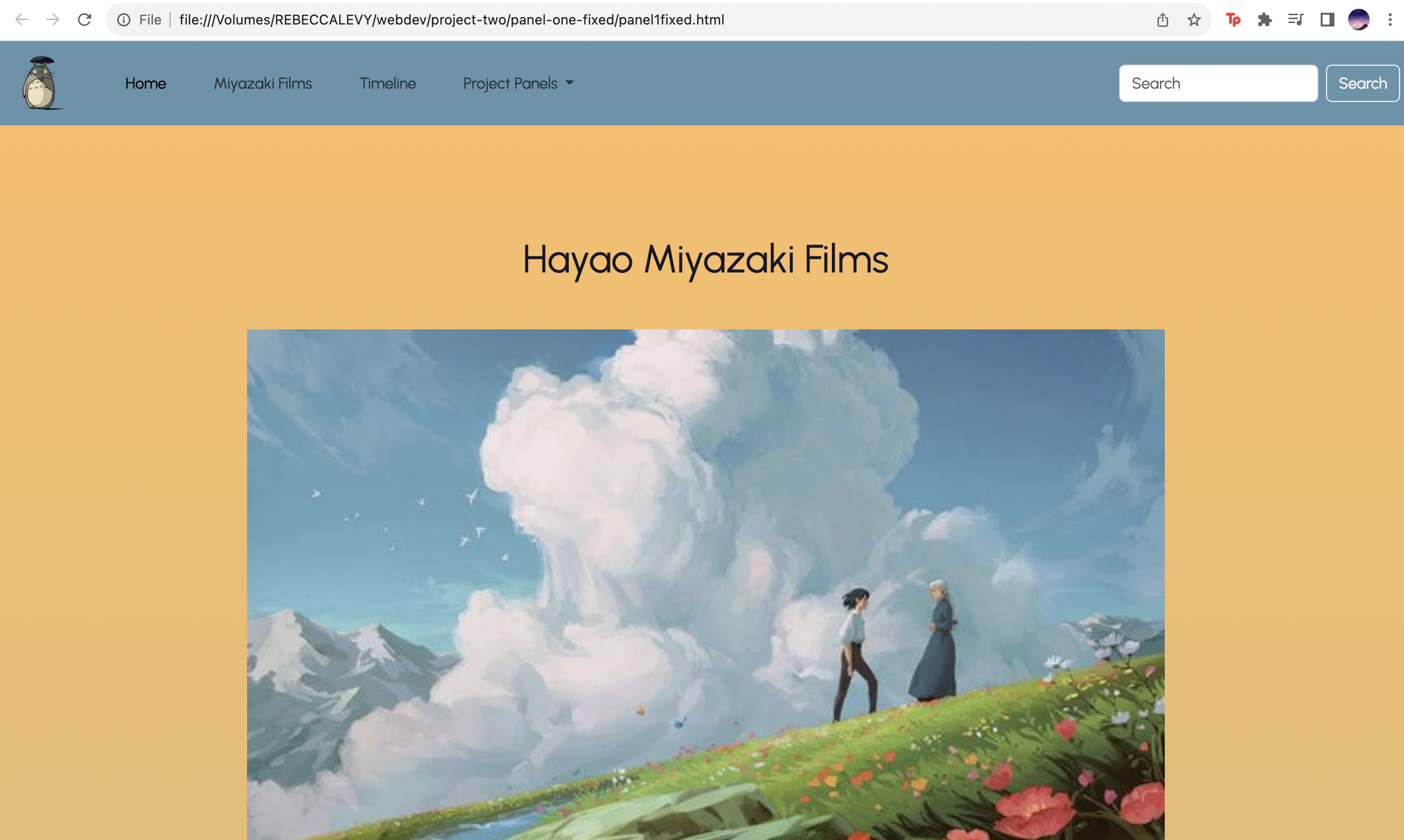
Panel One had a large learning curve for me. I enjoyed using bootstrap to create more complex elements in my website, however, I found that molding the bootstrap elements to be how I wanted was very frustrating. I especially ran into trouble when changing the shapes or alignments of such elements. I found that bootstraps specialized classification system often made it harder for me to change styles through my own css. This panel involved a lot of trial and error, but I ultimately had a good time experimenting. I used the grid to create columns and rows for an improved spatial composition. I am also quite happy with how my film card section and carousel section turned out (although, formatting them was a struggle). Also, I am proud of the background gradient. I ran into a lot of trouble making my site responsive for mobile formats, but learned a lot about media queries, rem vs pixels, and more in the process.
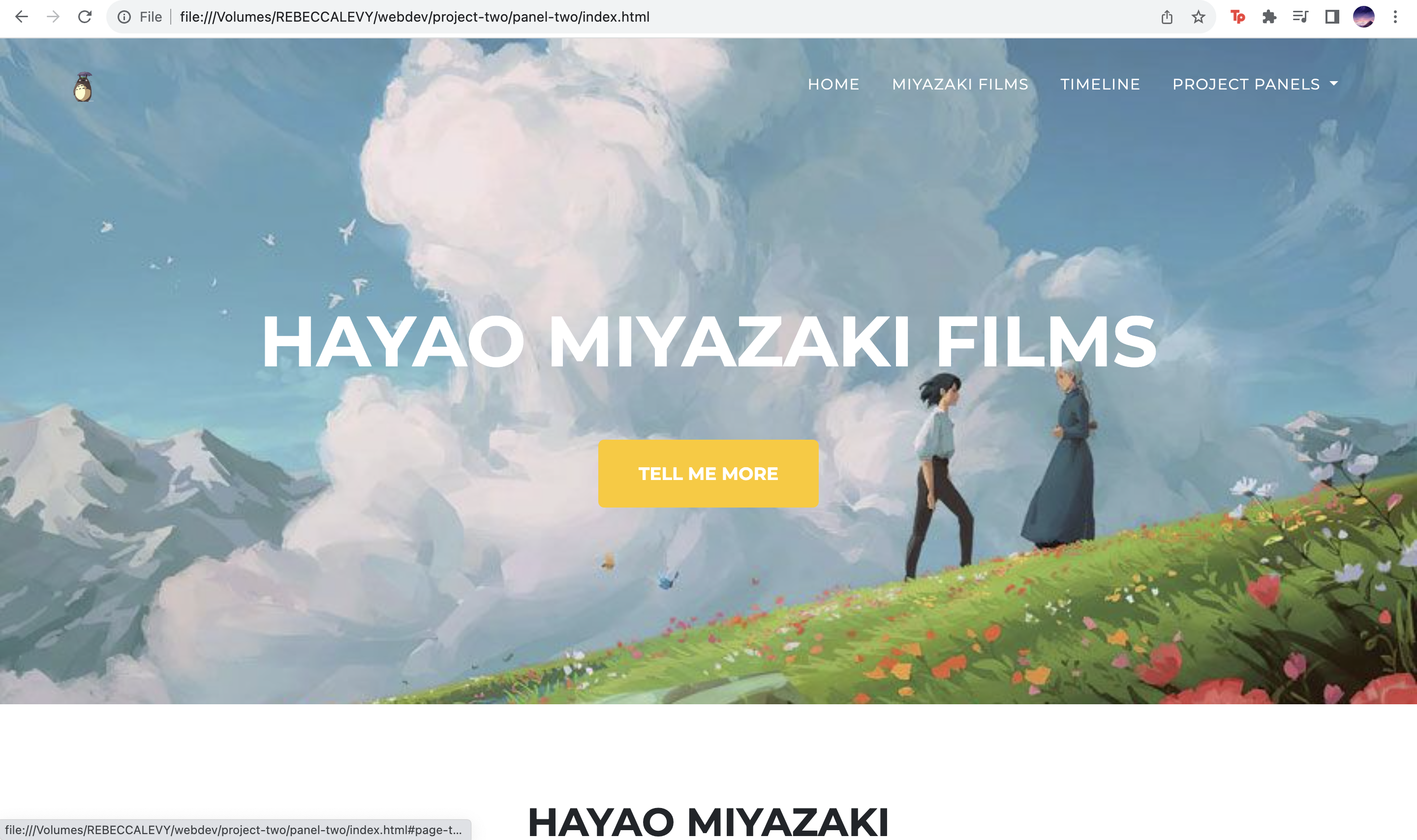
Panel two was pretty uneventful, mostly involving the copying and pasting of my html text elements. I ended up removing one of the template sections and adding one of my own to better match my content. There were some sections where I had to add some more elements- for example, where the bootstrap template only had 6 card items, I needed 11 for my “filmography” section. I enjoyed how easy it was to copy and paste the film card code in order to duplicate these elements.
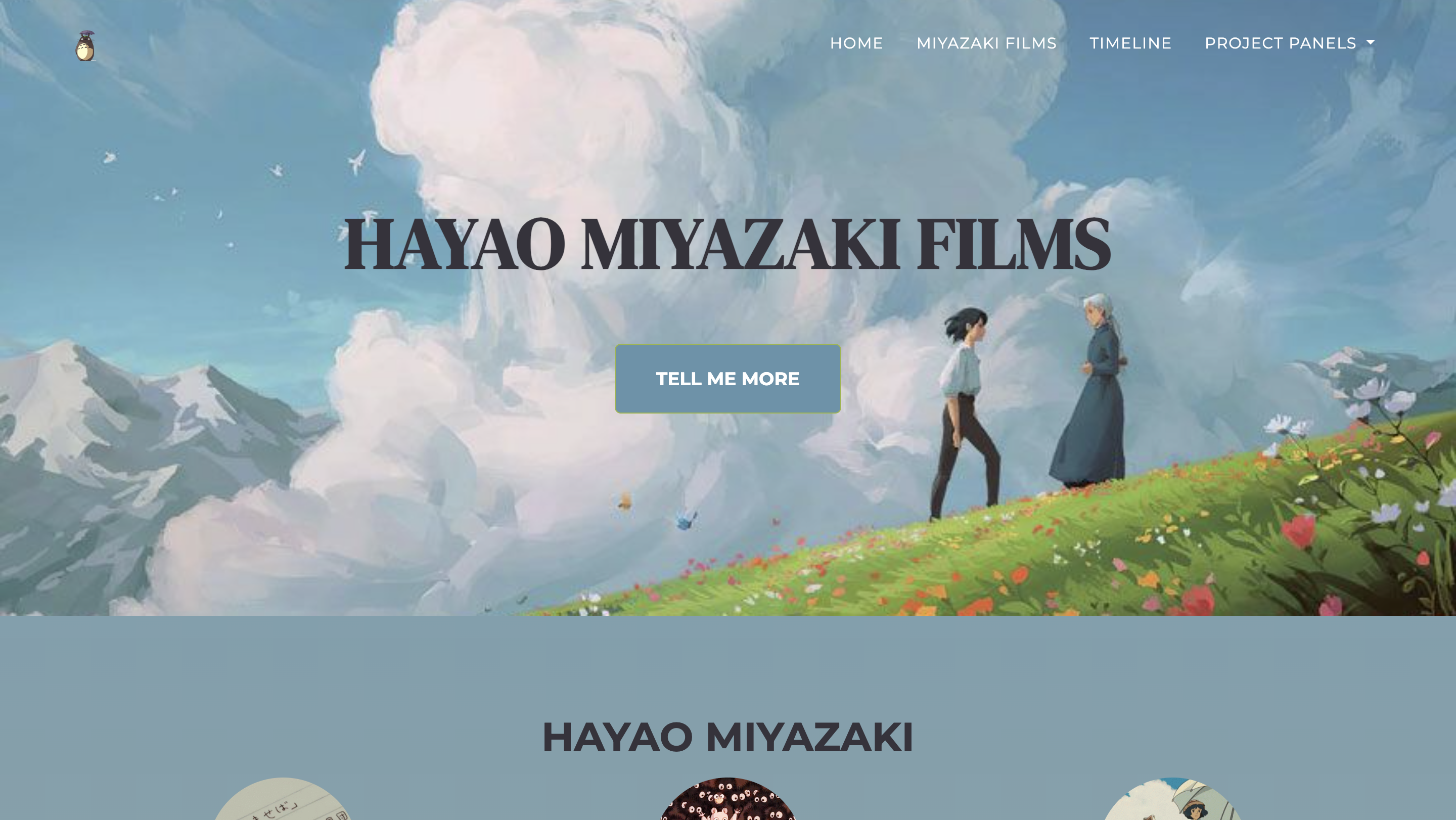
I enjoyed messing with the visuals of panel three. In some ways, the formating of the bootstrap themed allowed the page to flow in a much more cohesive, aesthetic way. However, I felt slightly limited with how much I could individually customize elements. I enjoyed how I could alter things to be exactly how I wanted in panel one (even though it was often a struggle). Bootstraps css and classifications made it difficult to go through and locate and customize elements. I like how streamlined the timeline looks in this panel format.